
In the rapidly evolving world of 3d architectural rendering, the tools you choose can define the boundary between a standard draft and a world-class presentation. As an architectural visualization studio, we understand that no single software fits every project perfectly. To provide top-tier photorealistic rendering services, professionals must master a suite of tools that balance speed, precision, and artistic control.
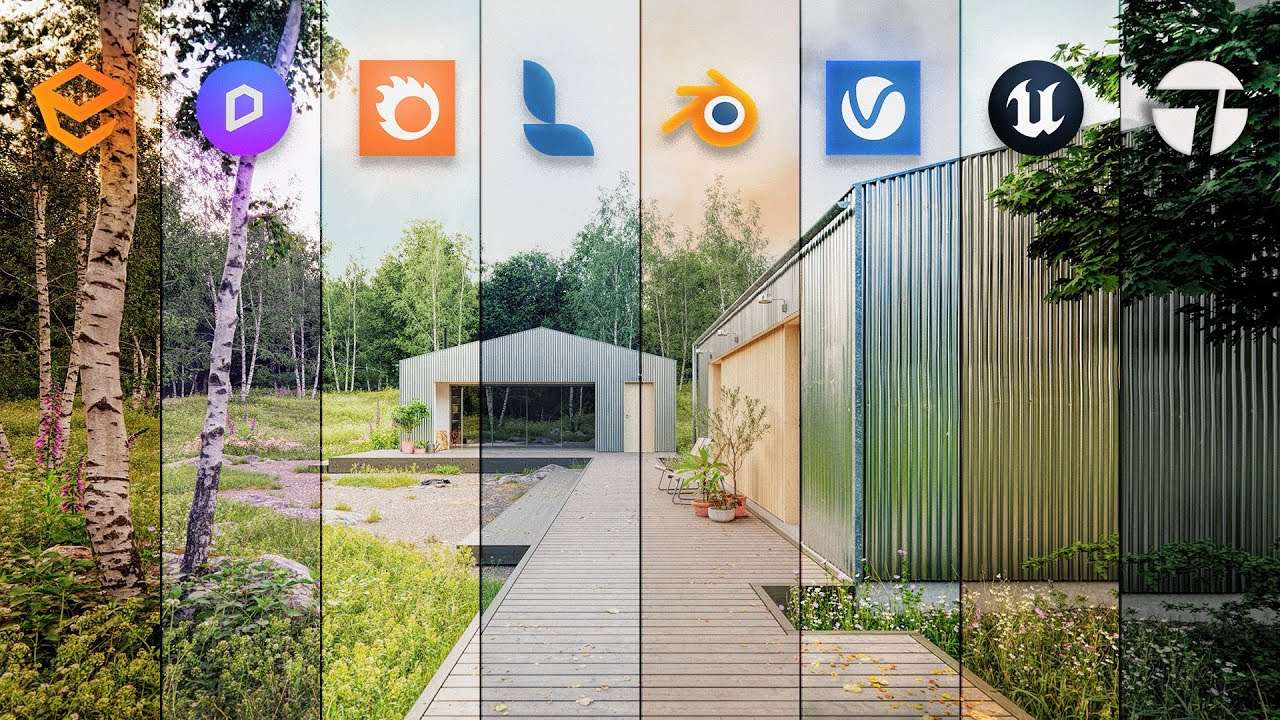
1. The Foundation: 3D Modelling Software
Before the first pixel is rendered, the model must be flawless. The industry currently leans on two giants:
- 3ds Max: The powerhouse for high-end architectural visualization services. Its ability to handle complex geometries and massive scenes makes it the preferred choice for detailed luxury house design and large-scale commercial projects.
- SketchUp: Loved for its intuitive interface and speed. While often considered “entry-level,” professional sketchup rendering services utilize advanced plugins to transform these models into photorealistic masterpieces.
2. The Engine: Leading Rendering Plugins
The choice of rendering engine determines the “look” of your project.
- Chaos V-Ray: Still the benchmark for photorealistic architectural rendering. It offers unmatched control over global illumination and material physical properties, making it essential for hero shots.
- Corona Renderer: Rapidly becoming the favorite for interior rendering services due to its “LightMix” feature, which allows you to change lighting scenarios after the render is finished.
- Enscape: The go-to for architects who need instant feedback during the design phase, providing real-time visualization directly inside their modeling software.
3. The Immersive Edge: Real-Time and Animation
For clients who want to “walk through” their future home, software like Lumion and Unreal Engine are game-changers. These platforms allow a rendering company in India to create high-definition architectural walkthrough animations that provide a cinematic experience, far surpassing traditional 2D drawings.
4. Post-Production: The Final Polish
No professional render is complete without post-production. Using Adobe Photoshop or After Effects, visualization artists fine-tune color balance, add atmospheric effects like fog or lens flares, and insert realistic “entourage” (people and vegetation) to breathe life into the scene.
Conclusion: Software vs. Expertise
While having the best software is vital, the true value lies in the artist’s ability to manipulate light, texture, and composition. This is why many leading firms partner with a specialized architecture visualization studio to ensure their designs are presented with the highest possible quality.